

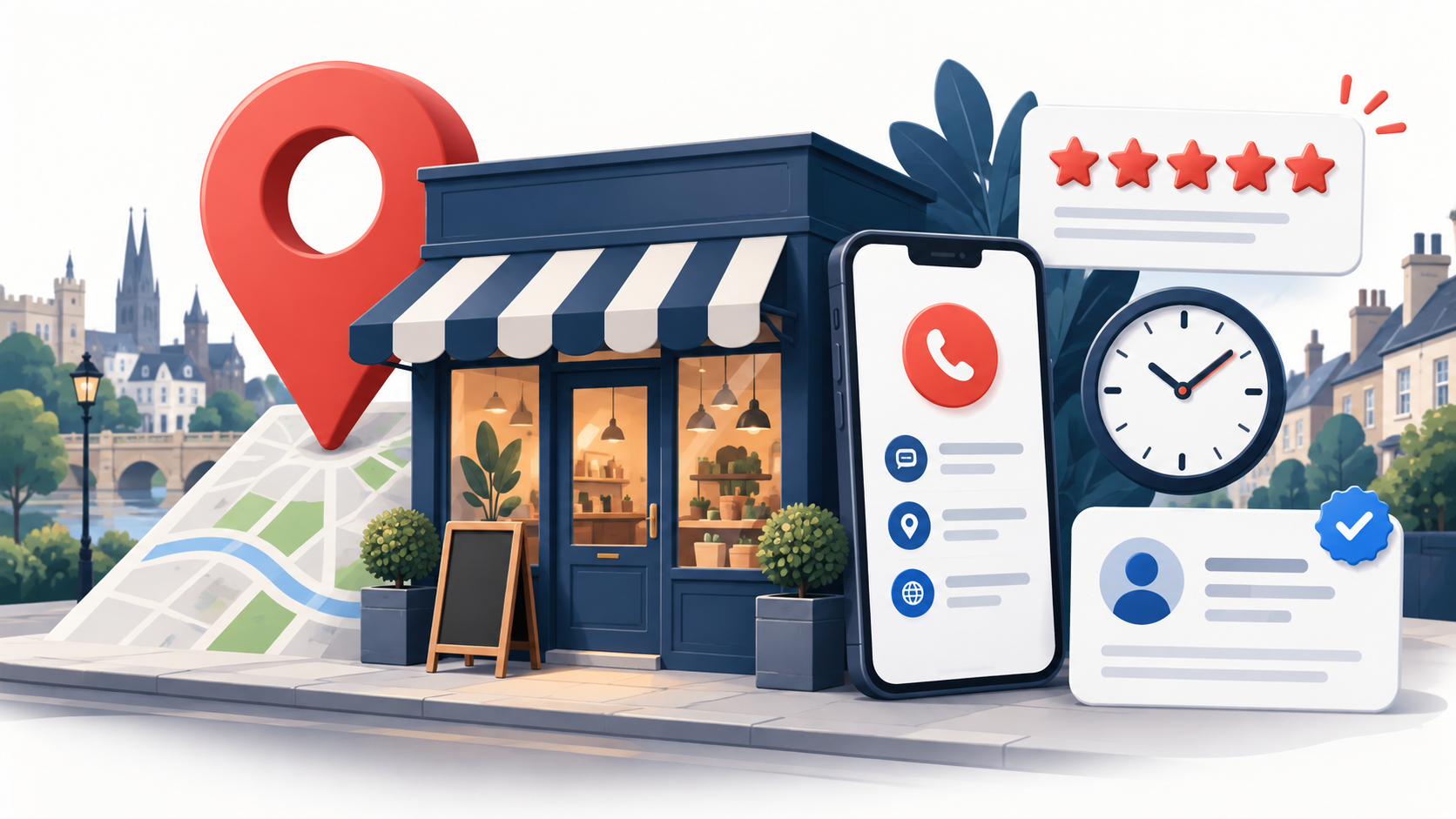
A Google Business Profile is often the first place a local customer checks your hours, location, reviews and contact details. Treat it as a live customer journey, not a one-off listing.
This checklist is for UK businesses creating or reviewing a profile, moving premises or changing their name. It prioritises accurate information, credible proof and useful measurement over “ranking tricks”.
If time is tight, check these six things first
Confirm ownership and the real-world name; choose a precise primary category; show the correct address or service area; test phone and website links; and update ordinary and special hours. Then review photos, reviews and tracking.
Make every customer-facing fact correct, consistent and policy-compliant.
Use genuine photos, services and reviews to reduce uncertainty before contact.
Connect profile actions to enquiries, qualified opportunities and customers.
First, choose the right business model
The address decision affects what customers see and whether the profile meets Google’s rules. Choose the model that reflects the real operation.
| Profile type | When it fits | Address treatment | Common risk |
|---|---|---|---|
| Storefront | Customers visit a staffed location during stated hours. | Show the genuine address and check the map pin. | Using a mailbox or unstaffed office. |
| Service-area business | You travel to customers and do not receive them at your base. | Hide the address and define the areas you genuinely serve. | Displaying a home or virtual-office address simply to rank in a town. |
| Hybrid | Customers visit and you also travel to them. | Show the location and add a realistic service area. | Claiming coverage the team cannot support. |
Google’s representation guidelines require accurate real-world details, generally one profile per business and categories describing what it is. Virtual offices are ineligible unless the business genuinely operates there under Google’s conditions.
The essential Google Business Profile checklist
Identity, ownership and contact details
- Claim and verify the correct profile. Search Maps first to avoid a duplicate. Keep ownership in a business-controlled account and grant individual access.
- Use the real trading name. Match signage, the website and customer communications. Do not append locations, services or slogans solely for search visibility.
- Standardise name, address and telephone details. Correct the website and important directories after any move or rebrand.
- Check the phone, map pin and website destination. Make a test call and click the link on a mobile. Use a number under the business’s control and a page that immediately confirms the organisation and offer.
- Add accurate ordinary and special hours. Update bank holidays, seasonal closures and temporary changes before customers find the wrong information.
Categories, services and description
- Select one precise primary category. It should complete “this business is a…”. Review it periodically as categories and the business change.
- Add only genuine secondary categories. A longer list is not automatically stronger. Categories should describe substantial parts of the business, not every minor service.
- Complete relevant services, products and attributes. Use plain-language summaries and keep displayed prices, accessibility details and appointment options accurate.
- Write for a prospective customer. Explain who you help, what you provide and where you operate. Google provides separate fields for contact details, so avoid turning the description into a string of links, phone numbers or promotional claims.
Google says local results are mainly influenced by relevance, distance and prominence. Complete information helps understanding, but repetition cannot overcome poor fit, distance or reputation. See Google’s local ranking guidance.
Add proof that helps people choose
A profile should answer the questions a cautious customer has before calling: Is this the right business? Does it really provide this service? Is it active, credible and easy to deal with?
Add a clear logo and cover, then inspect their crop on mobile and desktop.
Use current photos of the team, premises, products, completed work or customer experience. Avoid relying on generic stock imagery.
Ask genuine customers for voluntary feedback without incentives, review gating or pressure to mention keywords. Make the request simple and repeatable.
Thank customers and handle concerns calmly without revealing private case details.
Google recommends JPG or PNG images between 10 KB and 5 MB, ideally 720 × 720 pixels (250 × 250 minimum). They should be sharp, well lit and realistic. Its photo guidance suggests relevant exterior, interior, product, work and team images.
A 2026 feature update: chat and Q&A advice has changed
Older checklists often say to enable native messaging and seed public Q&A. That advice now needs qualification.
Google ended native Business Profile chat and call history on 31 July 2024. Eligible profiles may offer SMS or WhatsApp, but availability varies. Test the live options and make phone, website and booking routes dependable. See Google’s change notice.
Google discontinued the Business Profile Q&A API in November 2025 while updating the experience, so public controls may vary. Do not build a plan around self-posting questions. Answer common questions in profile fields, service pages and a useful website FAQ, and monitor customer-contributed content you can legitimately manage.
Measure the journey, not just profile activity
Profile views are context, not revenue. Google’s performance reporting can include searches, views, calls, directions and website clicks. Connect them to what happens after contact.
Use a documented UTM convention so analytics can distinguish Business Profile visits from other organic traffic.
Check calls, forms, booking links and eligible messaging options from the public listing, not only from the management view.
Use the CRM to identify whether an enquiry was relevant, serviceable and genuinely qualified.
Review which local enquiries became opportunities and sales. High interaction volume can hide poor commercial fit.
A practical maintenance timetable
| When | What to review | Why it matters |
|---|---|---|
| Weekly | New reviews, customer photos, live contact routes and material customer-facing changes. | Protects trust and catches visible problems quickly. |
| Monthly | Hours, services, categories, profile performance, tracked enquiries and lead quality. | Turns profile maintenance into a measured operating habit. |
| Quarterly | Photo library, important directory details, website alignment, access permissions and competitor context. | Prevents gradual inconsistency and stale proof. |
| After any business change | Name, address, telephone, opening hours, branding, service area and relevant website pages. | Reduces customer confusion and conflicting data across the web. |
Common mistakes that create risk or confusion
- Adding keywords or locations to the business name when they are not part of the real-world brand.
- Using a virtual office or unstaffed address to appear in another town.
- Creating duplicate profiles or giving an agency sole ownership of the business asset.
- Choosing broad or unrelated categories because they appear to offer more reach.
- Leaving holiday hours, phone numbers, links or prices out of date.
- Using stock images as a substitute for evidence of the real business.
- Incentivising reviews, filtering who is invited or arguing about legitimate criticism.
- Reporting calls and clicks without checking whether enquiries become qualified opportunities.
Google Business Profile checklist FAQs
Can a UK business use a virtual-office address?
Not merely because it receives post there. Google requires the business to genuinely operate at the location under its conditions. A service-area business that does not receive customers should hide its base address.
Should a home-based service business show its address?
If customers are not received there, use the service-area model and hide the address. Set realistic areas based on where the team actually travels rather than listing every desirable town.
How many categories should I add?
Use the most specific accurate primary category and only the secondary categories that describe genuine parts of the business. Google advises using as few categories as are needed to describe the core operation.
How often should I update the profile?
There is no universal posting quota. Check accuracy, respond to reviews and publish useful changes. Consistent maintenance is better than filler.
What replaced Google Business Profile chat?
Native GBP chat ended in 2024. Some eligible profiles can expose SMS or WhatsApp, while calls, website links and booking integrations remain important. Availability can differ, so test the public profile customers see.
Which metrics matter most?
Calls, website clicks and directions can indicate intent, but qualified leads, opportunities and customers show commercial value. Track both layers and avoid treating a profile view as an enquiry.
Turn the checklist into a stronger local-search system
A complete profile cannot compensate for a weak website, conflicting business details or poor enquiry handling. Futuro Digital Consultancy’s SEO optimisation services help UK businesses connect visibility, measurement and CRM outcomes.